Helpful answers and guidance for a smooth room and roommate experience.
You can create an account by signing up with your email address or mobile number and completing the registration process.
Go to your profile settings where you can edit your personal details, profile picture, preferences, and contact information.
You can contact room owners and roommates directly through the in-app chat system.
Search rooms based on location, budget, room type, amenities, and preferences using advanced filters.
Yes, you can apply minimum and maximum rent filters to find rooms within your preferred budget.
Yes, you can create room listings with photos, descriptions, rent details, and amenities.
Yes, you can save favorite room listings and access them later from your profile.
Yes, you can browse roommate profiles and connect with people who match your lifestyle and preferences.
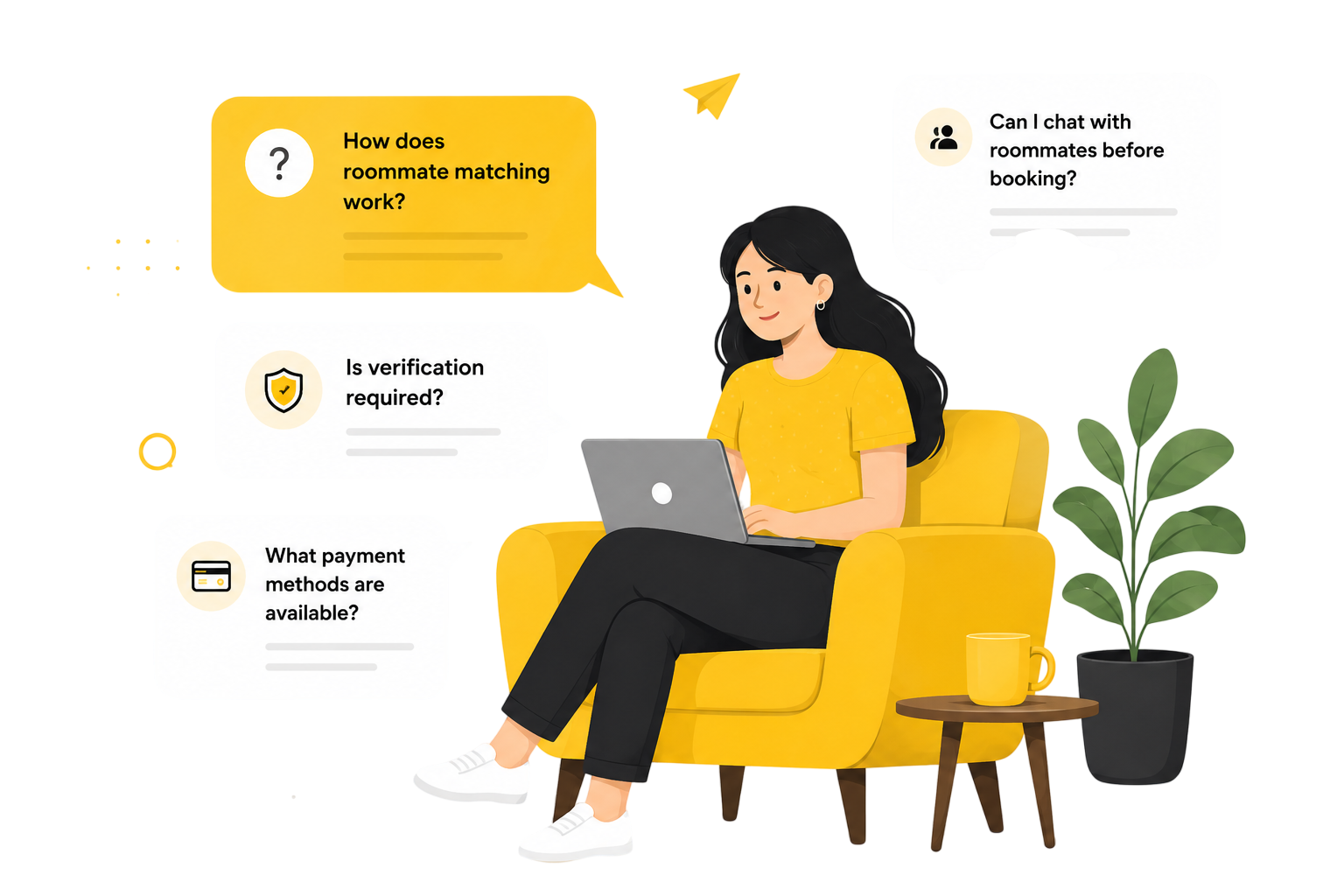
Matches are suggested based on location, lifestyle, interests, budget, and living preferences.
Yes, you can use the in-app messaging feature to discuss details before making a decision.
Enjoy full access to all features at no cost.
No, there are no hidden charges. Any future premium services will always be clearly communicated.
Currently, room listings can be posted without any additional charges.
We use industry-standard security measures to protect your personal information and account data.
Many listings undergo verification checks to improve authenticity and trustworthiness.
You can use the report feature available on profiles and listings to notify our support team.
You can contact our support team through live chat, email support, or the Help Center.
Try updating the app, clearing cache, checking your internet connection, or contacting support.
Use the Forgot Password option on the login screen to reset your password securely.
Our support team is here for you 24/7.